
Video Interview Tips & Best Practices
Last updated August 29, 2026
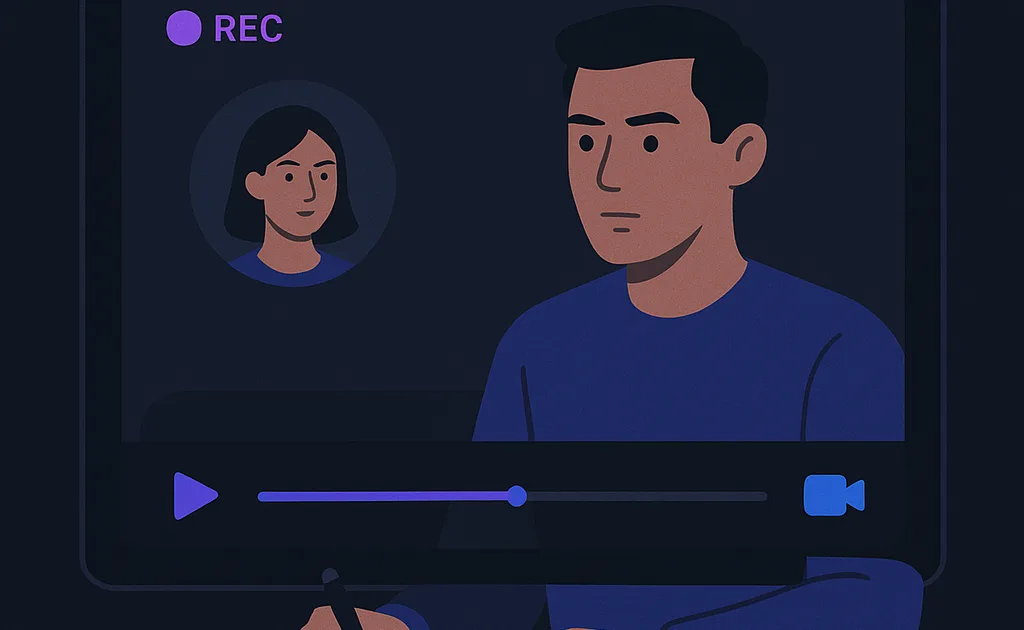
Short answer: On video, your environment is part of your answer. Use a clean frame, good front lighting, a camera at eye level, headphones to prevent echo, and eye contact with the lens rather than the screen. Remove visual friction so the interviewer can focus on what you say, and test your setup before the call.
Video interviews strip away half your communication bandwidth and replace it with technical failure modes: bad lighting, echo, a camera aimed up your nose. The candidates who look polished on video aren't more photogenic — they've just removed every piece of visual friction so the interviewer can focus on their answers. Here's the complete setup and performance guide.
The key idea: on video, your environment is part of your answer. A clean frame, good light, and lens-level eye contact read as professionalism before you've said a word — and they take one evening to fix, once, forever.
The setup checklist
- Camera at eye level. Stack books under the laptop if needed. Looking down at a low camera reads as disengaged; lens-level reads as present.
- Light facing you. A window or lamp in front of you — never behind. Backlighting turns you into a witness-protection silhouette.
- Framing. Head and shoulders, a hand's width of space above your head, sitting an arm's length from the lens. Close enough for expressions; far enough for gestures.
- Background. Boring is beautiful: a tidy wall, a bookshelf, a plant. Virtual backgrounds flicker around your edges and quietly tax credibility.
- Audio. A quiet room beats any microphone upgrade, but if you can, use a headset or earbuds — echo is the fastest credibility killer on this list.
- The machine. Close everything except the call. Notifications off, fan-heavy apps quit, charger plugged in. Do a full test call on the actual platform the day before.
Performing for the lens
Video flattens everything, so over-deliver slightly: nod a bit more, smile a bit more, keep answers tighter than in person. And the big one — eye contact means looking at the camera, not the face on screen, which feels unnatural to everyone. Position the interviewer's video window directly under your webcam to shrink the gap, hide your own self-view (it's a distraction machine), and consider eye-contact correction tech if you have compatible hardware. Your body language still matters — posture and hand gestures read clearly in a head-and-shoulders frame.
Do one full rehearsal on the actual platform the day before — not a similar platform, the same one, since each handles video settings differently. Record thirty seconds of yourself answering a question, then watch with fresh eyes: Is your face evenly lit? Keyboard clatter or echo? Head in the top third of the frame? Fix whatever jumps out, then leave the setup untouched. A stable, tested configuration removes an entire category of day-of anxiety — instead of wondering how you look, you know, because you saw it yesterday. That certainty is worth more than any single tweak on this list.
What to avoid
- Reading answers off a second screen. Eye movements betray it instantly, and it sounds exactly like what it is.
- Joining from a bed, a car, or a busy kitchen. Context leaks into credibility.
- Panicking at tech glitches. "Looks like we froze for a second — could you repeat the question?" delivered calmly is a professionalism signal, not a failure.
FAQ
Should I dress up fully, including below the frame? Yes — partly for the unexpected stand-up moment, mostly because full dress changes how you carry yourself. Half-dressed shows up in your posture.
Phone or laptop? Laptop, always. Phones wobble, crop badly, and tempt you to hold them. If a phone is truly your only option, prop it at eye level in landscape and lock it down.
Put this into practice
Continue with the Aissence workflow this guide supports.