
Works alongside everything you already use
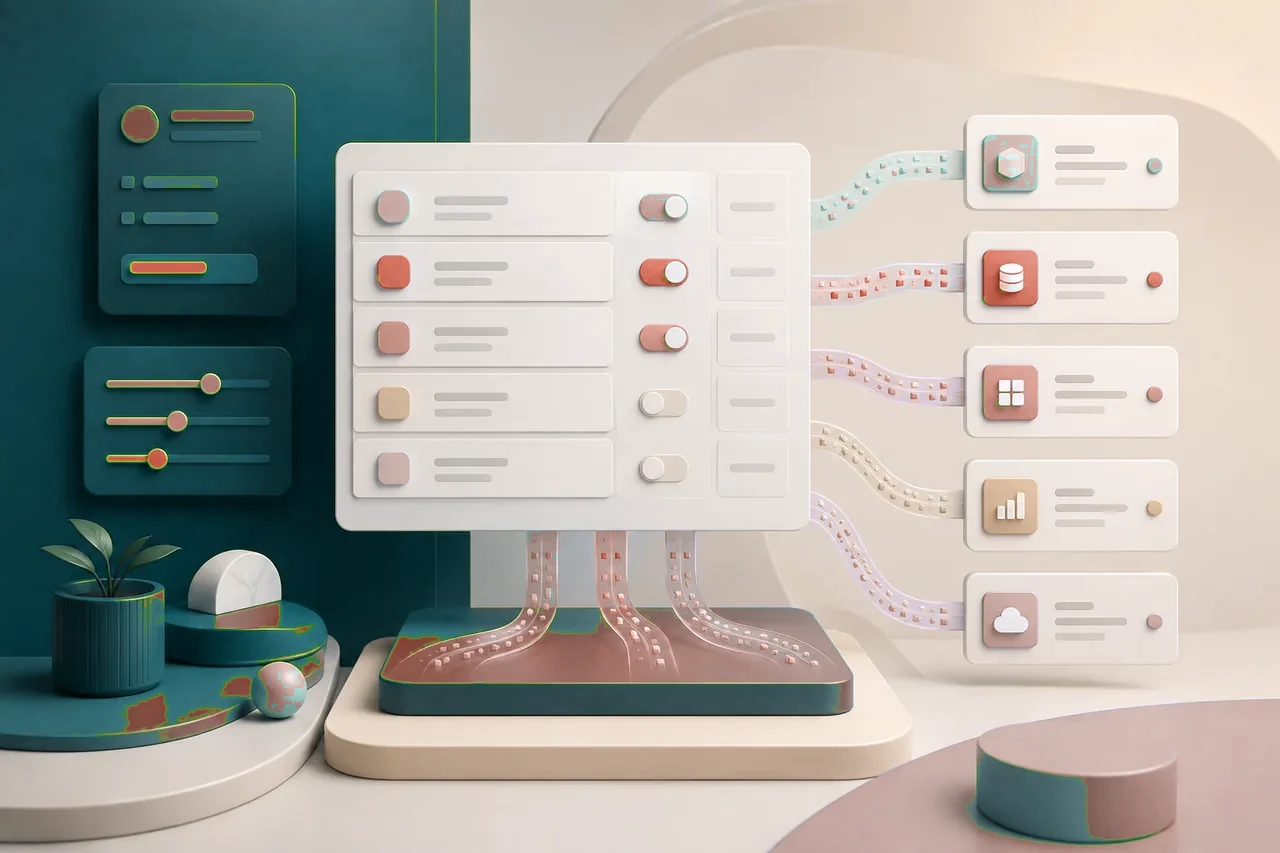
The Aissence desktop app captures your system audio, so it works with any meeting or call platform — no bots, no browser extensions, no official partnership required. It simply listens the way you do.
Step 1
Runs as a native app
The desktop app lives outside your browser and off your screen share.
Step 2
Listens to system audio
It hears the same call audio you do, so the platform never matters.
Step 3
No bot, no extension
Nothing joins your meeting and nothing is injected into the page.
Works with your meeting platform
These are platforms Aissence works alongside — not official partnerships. If the call plays through your computer, the copilot can follow it.
Platform 01
Zoom
Join your Zoom call as normal — Aissence listens to the conversation without joining the meeting.
Platform 02
Google Meet
Works in the browser or app. No bot appears in the participant list, no extension required.
Platform 03
Microsoft Teams
Run Teams for work interviews and the copilot follows along from your system audio.
Platform 04
Webex
The overlay stays off your screen share while you focus on the conversation.
Platform 05
Phone & dialer screens
Recruiter phone screens routed through your computer audio are supported too.
Platform 06
Any other platform
If it plays through your speakers, Aissence can follow it — no official integration needed.
Connect your career workflow
Aissence is more than a live copilot. The same account powers career tools that help you land the interview in the first place.
Career workflow
LinkedIn Optimizer
Polish your profile to match the roles you are targeting.
Open tool →Career workflow
ATS Resume Checker
Test your resume against applicant tracking systems before you apply.
Open tool →Career workflow
Job Tracker
Keep every application, stage, and follow-up organized in one board.
Open tool →Set it up once, use it everywhere
Download the desktop app and your copilot is ready for your next call — whatever platform it is on.